
Once you’ve created a treatment plan, follow these steps to assign exercises to it:
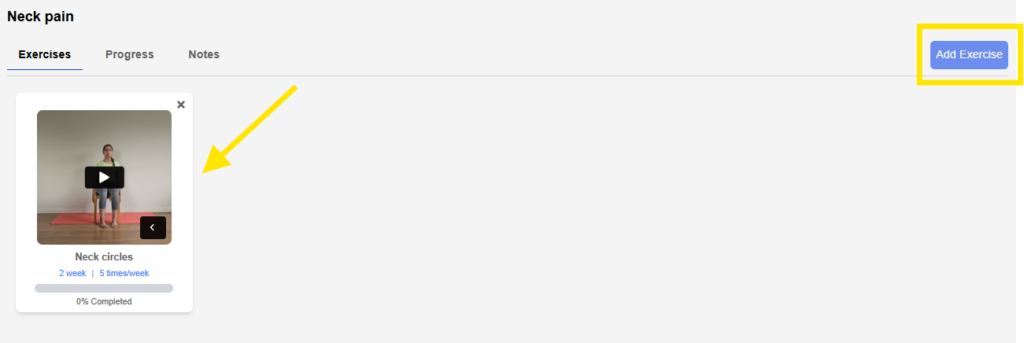
Step 1: Open the Treatment Plan #
- Locate the treatment plan card under the selected client.
- Click on the plan card to open it.
Step 2: Add Exercises #
- Click the Add Exercise button.
- You will be redirected to the Exercise page.
Step 3: Select and Configure Exercises #
- Choose the appropriate exercise(s) for the treatment plan.
- Enter the necessary details for each exercise:
- Repetitions (Reps)
- Sets
- Hold Duration (if applicable)
- Patient Notes
- Days per Week the exercise should be performed
Step 4: Save the Exercise Assignment #
- Once all fields are completed, click Save.
- The selected exercise will now be linked to the treatment plan.
💡 Tip: You can assign multiple exercises to a single plan and adjust them anytime as the treatment progresses.


